☰ Menu

Y7 - SU2.2 - Interesting Hyperlinks

⏱️ Do It Now

Create a OneNote Page and copy this into the title:

Lesson 2 - Summer Term 2 - Interesting Hyperlinks


Copy this into a OneNote Page and complete it

📝 Do It Now

Answer each of the following:

(1) What does src in an image tag mean? How does it work?


(2) What does the px in 400px mean?
Explain how this differs from using %?


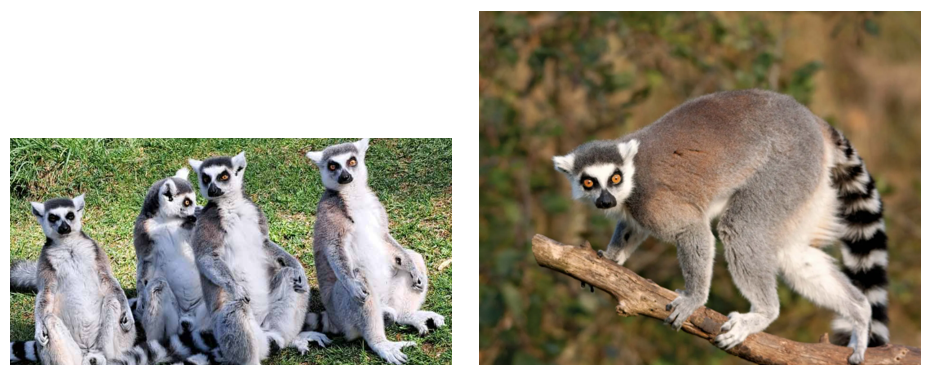
(3) Both of these images have been given a width of 300px What should have been done instead? - Explain why


(4) Open THIS LINK to access the VSCODE project for today's lesson

🎯 Learning Objectives


  • LO1: We are learning how to create hyperlinks to both internal pages and external resources (including the blank target attribute)
  • LO2: We are learning how to turn images into hyperlinks
  • LO3: We are learning how to turn other elements into hyperlinks

🔎 Internal Hyperlinks

Your teacher will show you how links can be made to pages on your own site (internal links)

And, how to change the CSS styles of all hyperlinks


Alternatively...

🎥 Watch THIS VIDEO to see the same demonstration

It's a slightly longer one than usual, but you will learn a lot by doing so

🔎 External Hyperlinks

Your teacher will show you how links can be made to pages on other websites (external links)


Alternatively...

🎥 Watch THIS VIDEO to see the same demonstration

🔎 Images as Links

Your teacher will show you how images can be made into hyperlinks


Alternatively...

🎥 Watch THIS VIDEO to see the same demonstration

📝 Consolidation Task

(1) Paste a screenshot of the code for an internal link into OneNote.
Explain how it works

(2) Paste a screenshot of the code for an external link into OneNote.
Explain how it works

(3) Paste a screenshot of the code for an image turned into a link into OneNote.
Explain how it works


Add further links onto your own website (if relevant to do so)

Continue working on the content of your site